

From here, it's simple. Upload a photo of your room and apply shades from Farrow & Ball, Little Greene and Paint & Paper Library directly onto your walls, so you can compare colours from home before ordering anything.
Treat the result as a strong starting point rather than a final match, since screens do not show Paint and Papers colours exactly as they will look once they are on the wall. Once you have narrowed your shortlist, confirm it with a physical sample pot before committing to a full-size tin.
Find Your Colour in Three Steps

1. Start With the Colour Chart
Browse our full range and gather the shades that catch your eye. Discover our All in One Colour Card selection for the widest selection.

2. Visualise Your favourites
Upload a photo of your room and see your shortlisted colours on your own walls with our Visualiser Tool.

3. Order Sample Pots
Settle on your top 2–3 shades and order sample pots to test them in your space.

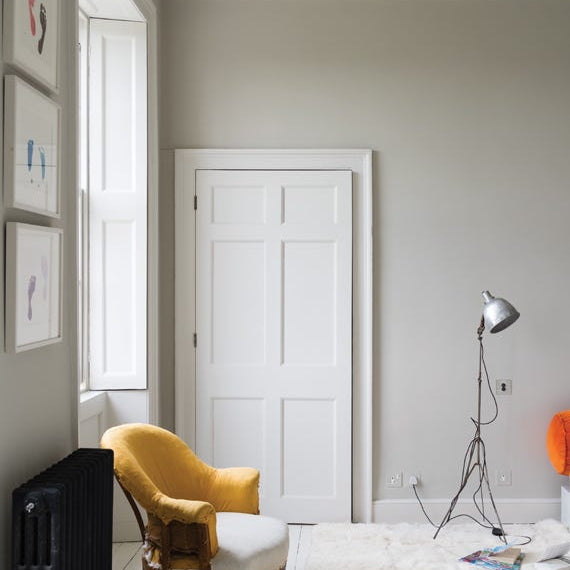

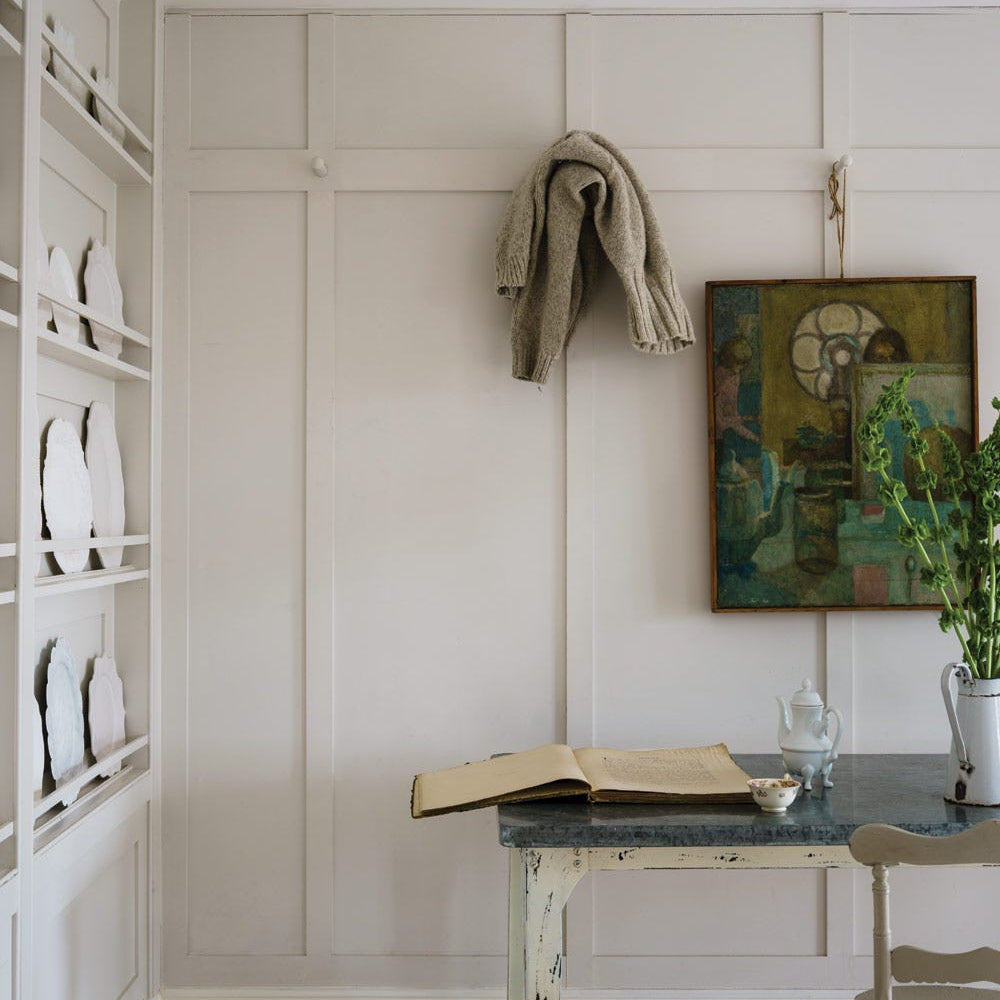

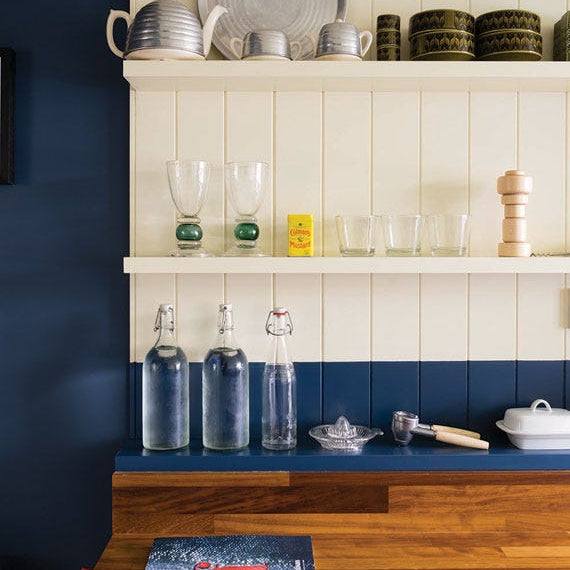


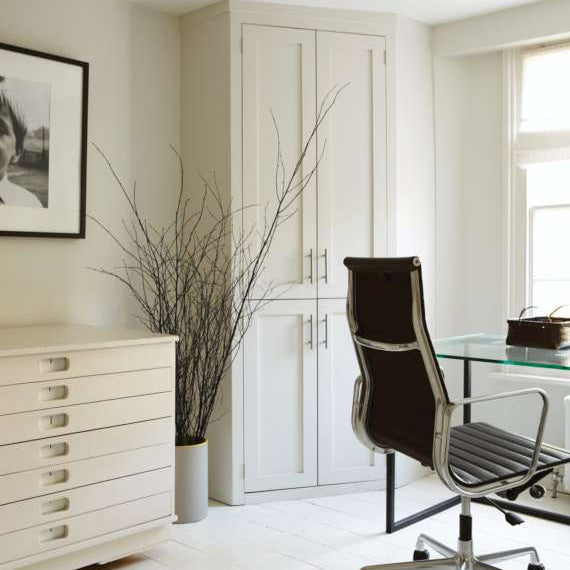

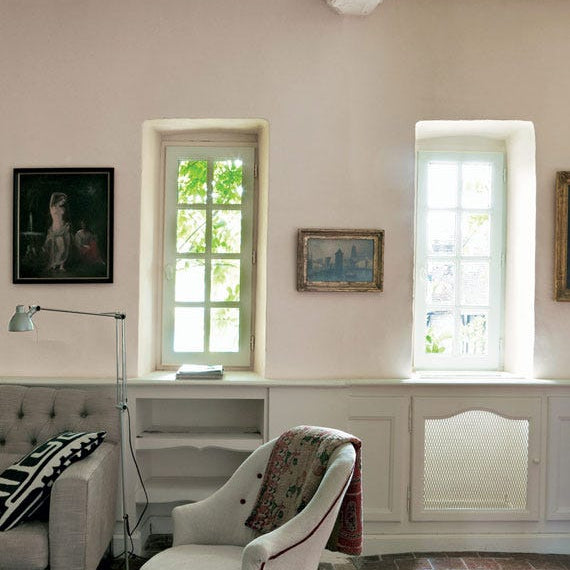

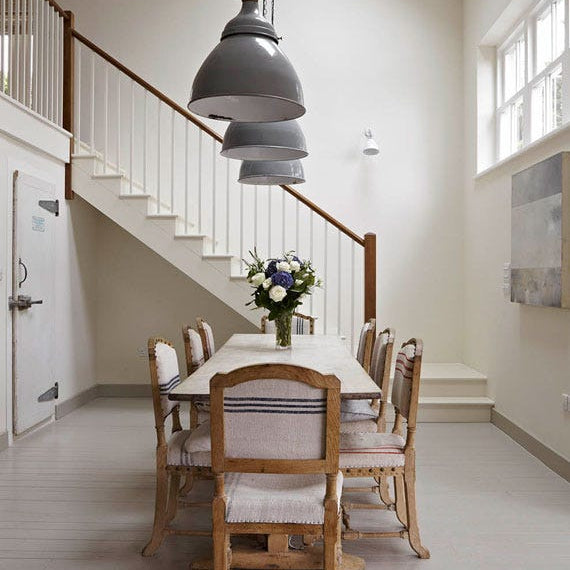

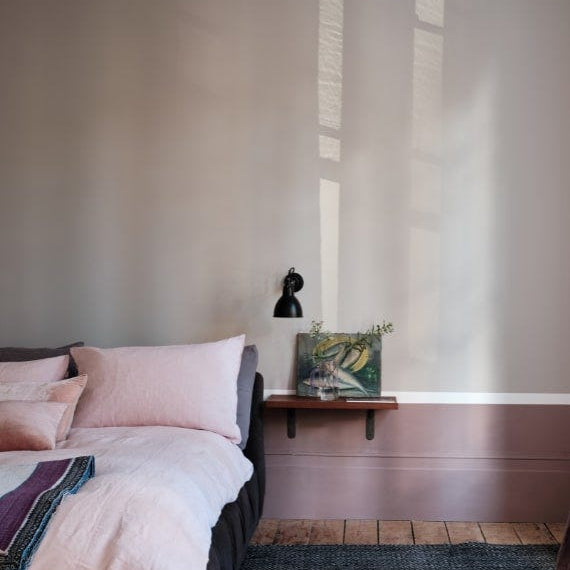







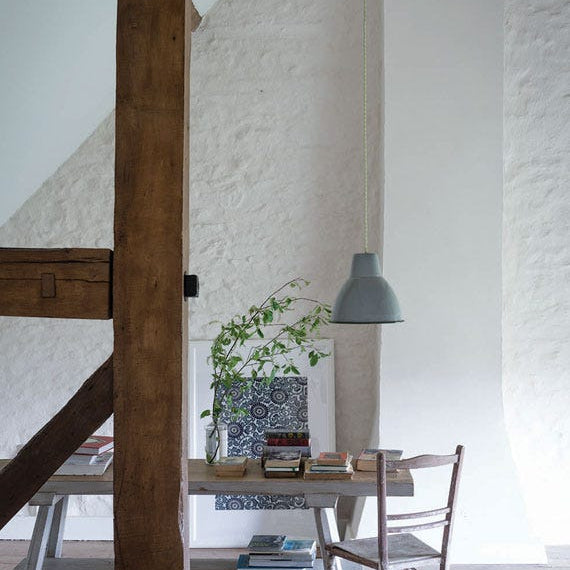



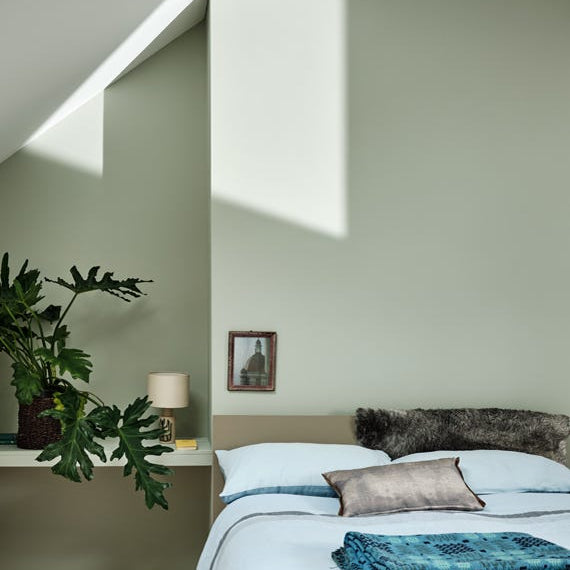


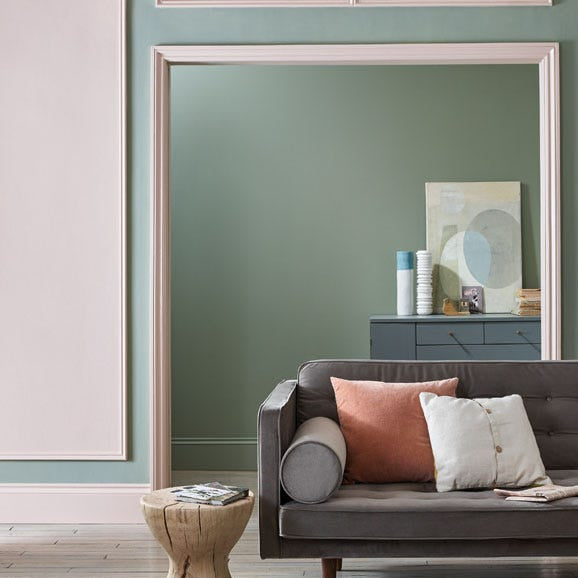


How Our Wall Colour Visualiser Works
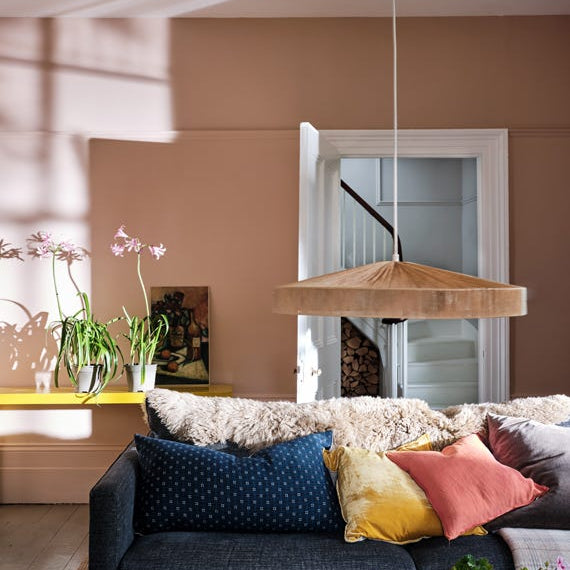
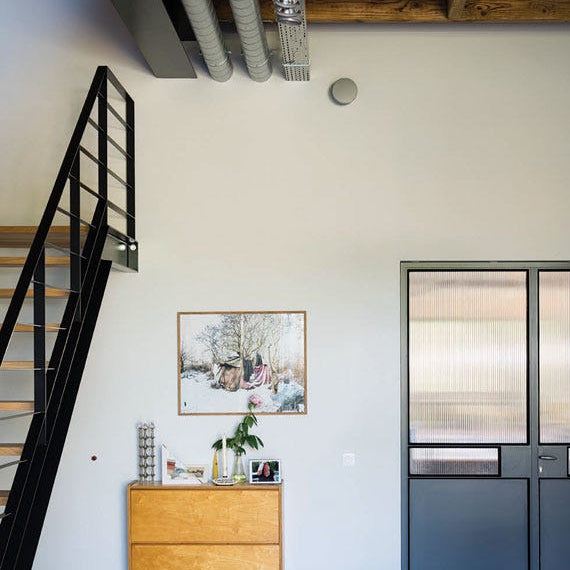
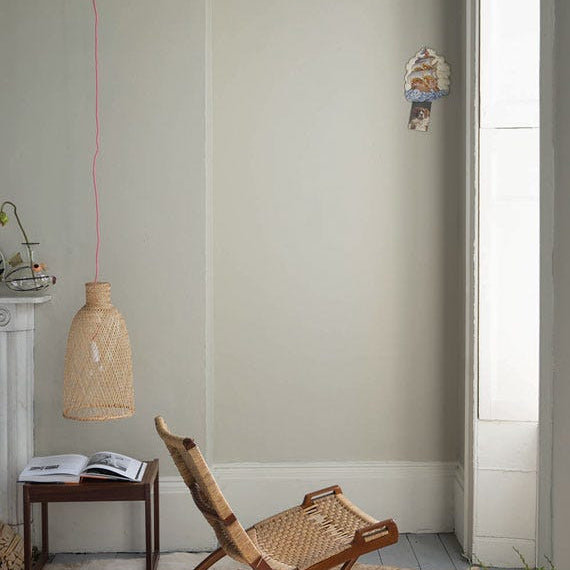
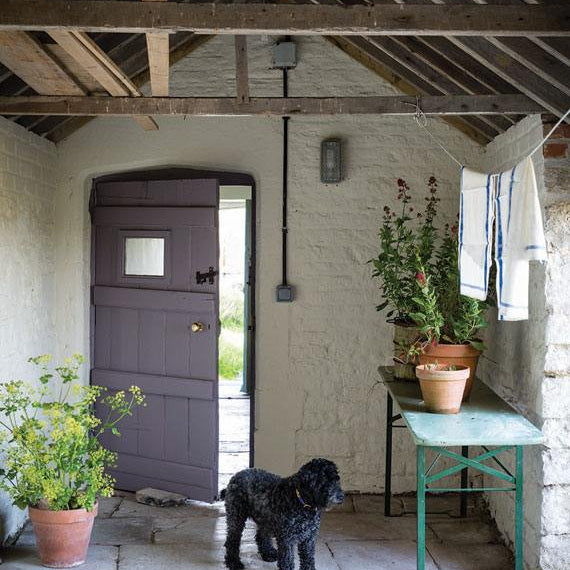
The visualiser works from a single photo of your room. Upload one from your phone or camera, and the tool maps your chosen colour onto the walls in that image, adjusting for shadow and light so the result sits closer to how the paint would look in real life.
You can switch between shades from Farrow & Ball, Little Greene and Paint & Paper Library without leaving the page, which makes it far easier to compare a warm neutral against a cooler one, or see how a deep green sits next to your existing woodwork and flooring.
Because the preview runs from your own room, it reflects your actual light and furnishings rather than a showroom setting, which is the main advantage over a printed colour chart alone.


How to Get the Most Accurate Result
- Use a daylight photo. Upload one taken in natural light, ideally without strong shadows or a colour cast from curtains or lamps, for the most reliable starting point.
- Compare more than one shade at once. Testing colours side by side makes undertones easier to spot than judging a single shade on its own.
- Remember screens aren't walls. Monitors render colour differently, so treat the result as a strong guide rather than an exact match.
- Narrow it down, then confirm in person. Light shifts a shade throughout the day in ways a static image can't capture, so use the paint visualiser to get your list to two or three contenders, then confirm the final choice with a physical sample pot.

Finalising Your Colour Choice
Once you have a shortlist you are happy with, the next step is to see the colour in person. Order sample pots for your top choices and paint them onto a few pieces of lining paper rather than straight onto the wall, so the result is not influenced by the colour underneath.
Move the paper around the room and check it in the morning, afternoon and evening, since natural light can shift a colour more than the visualiser alone will show.
If you are still deciding between finishes as well as colours, it is worth reading our wall paint finishes page before you order your first sample pot. It explains how matt, eggshell, satin and gloss behave on different surfaces. Once you have settled on a shade and finish, you can order colour cards or the full-size paint direct from our colour and brand pages.
Frequently Asked Questions About Our Paint Visualiser
Does the Paint Colour Visualiser Show the Exact Paint Colour?
It gives a close approximation rather than an exact match, since screen settings, lighting and photo quality all affect how a colour renders. Use it to shortlist two or three options, then order sample pots for those shades and test them on the actual wall before buying a full tin.
Can I Use the Visualiser With My Own Photo?
Yes. Upload a photo taken in your own room and the tool applies your chosen colour to the walls in that image, rather than a generic template. A photo taken in natural daylight, without heavy shadow, tends to give the clearest result.
What's the Next Step After Using the Visualiser?
Order sample pots for your top two or three shades and test them on lining paper in different parts of the room. Viewing a colour in daylight and evening light tells you more than any digital preview.
Is the Paint Visualiser Free to Use?
Yes, our paint visualiser is free to use, one of several tools we offer at Paint and Papers to help you choose confidently. Upload a photo, try as many shades as you like, then order sample pots when you're ready to test your shortlist on the wall.

